Suture Tool
Note
This page is under active development.
This package homes the details for the suturing tool - endo360 for this project.
Package Structure
suture_tool_control
(future work) will contain the control files for the suture tool.
suture_tool_description
launch
contains launch file to start the robot_state_publisher and joint_state_publisher for the suture tool.
meshes
contains mesh files for endo360 tool and circular needle.
urdf
contains the URDF files for the suture tool (endo360).
suture_tool_gazebo
config
contains the rviz config file.
launch
contains the launch file to start gazebo and rviz, adding the suture tool.
worlds
contains world file for gazebo.
Running the Suture Tool
Build the packages
colcon buildsource install/setup.bashLaunch rviz and gazebo with the suture tool
ros2 launch suture_tool_gazebo suture_tool.launch.xml
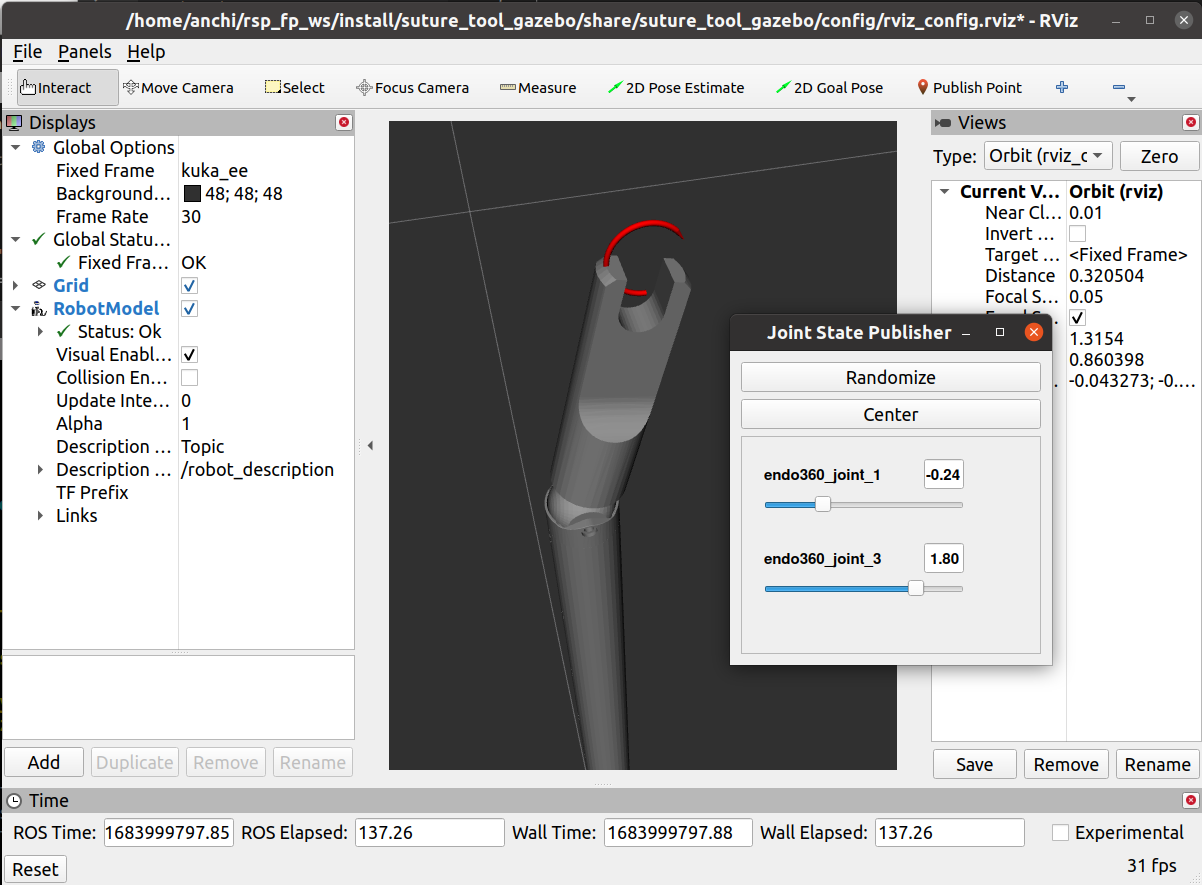
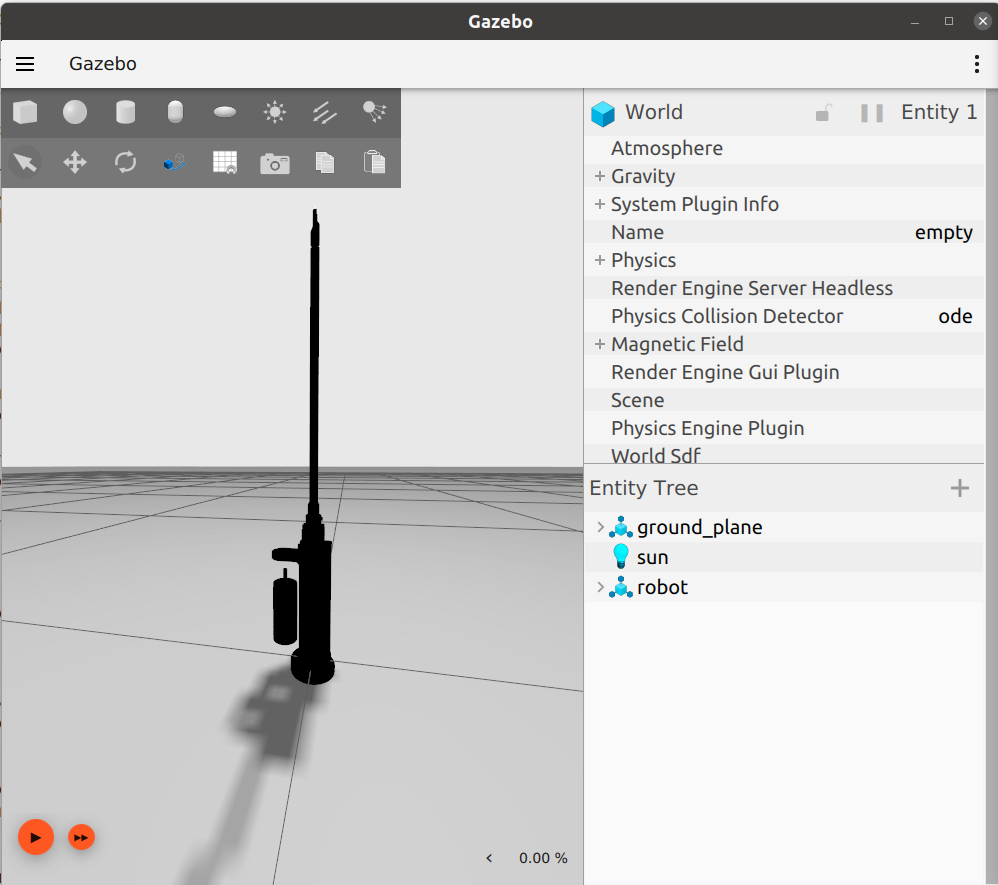
See below for example output.
gazebo |
rviz (with the Joint State Publisher gui) |
|---|---|
|
|
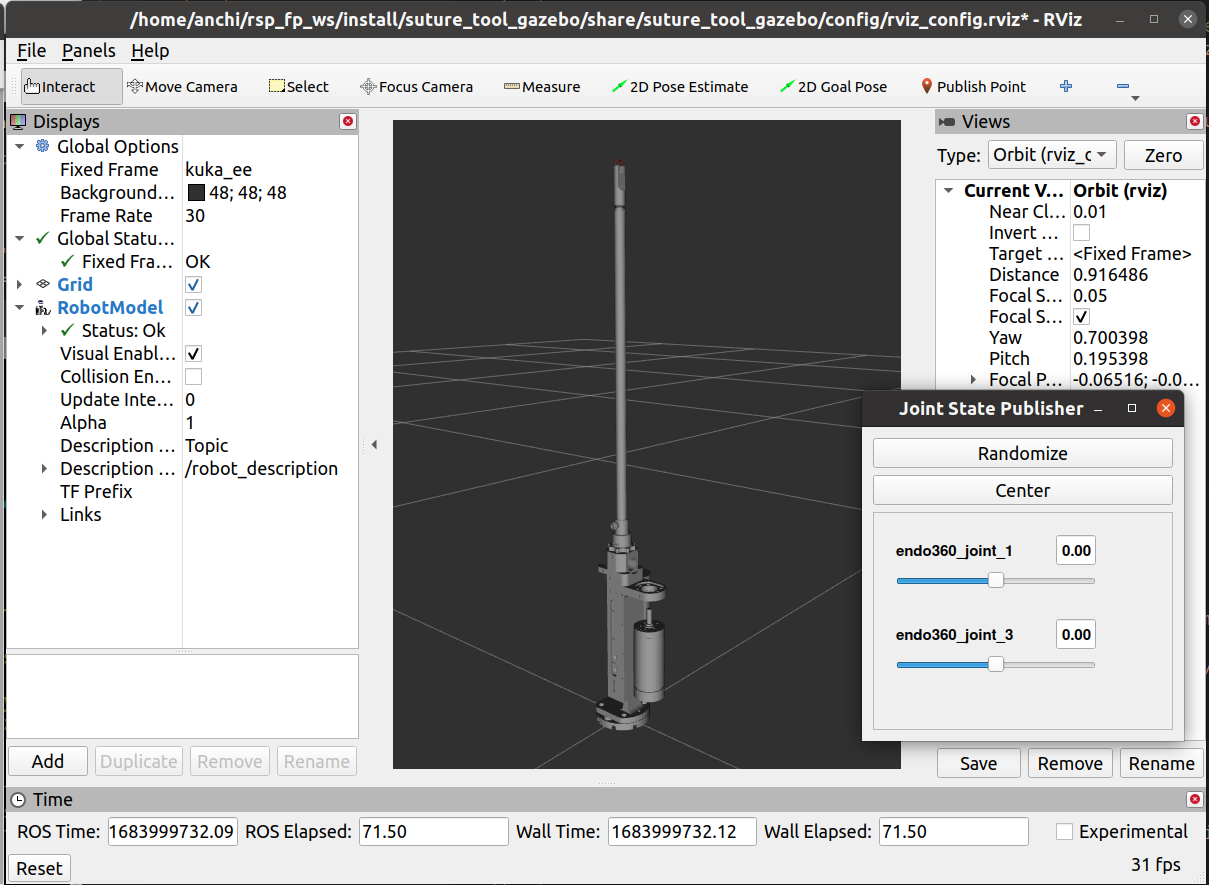
It is possible to move the suture joints using the Joint State Publisher gui.