Robot
Note
This page is under active development.
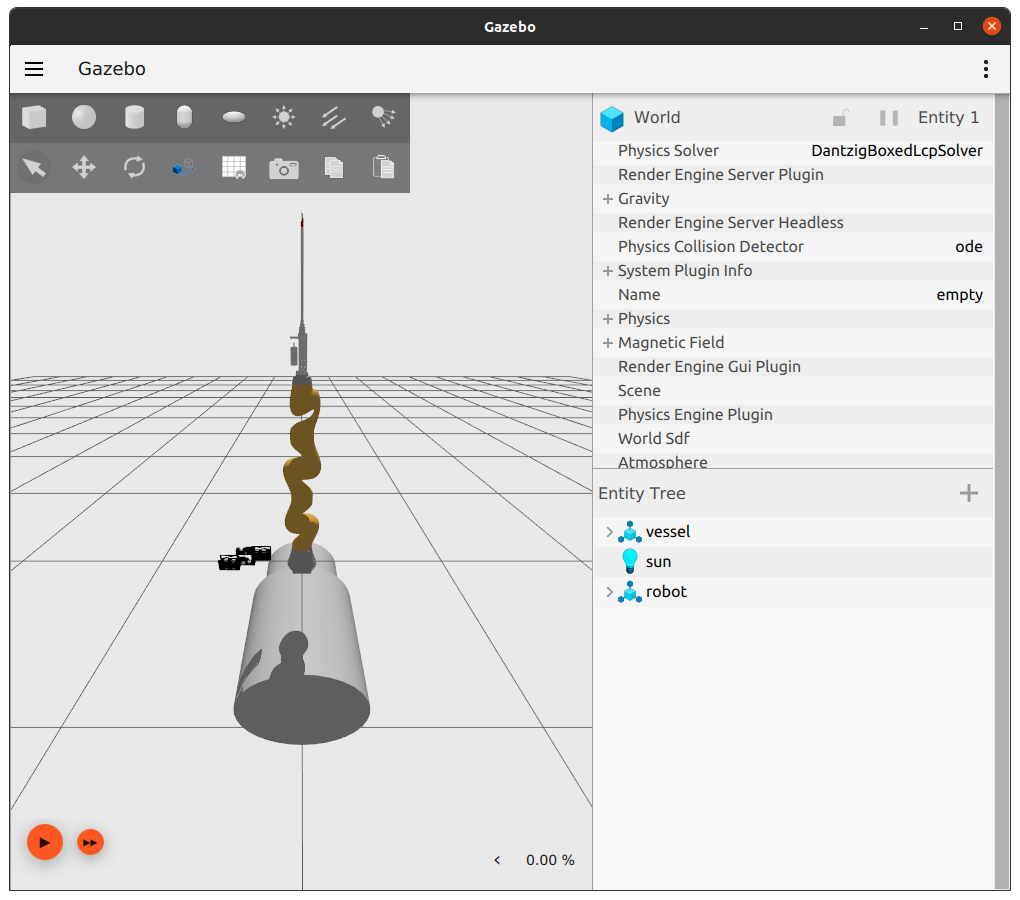
This package homes the details for the complete microvascular-anastamosis system - comprised of the suture tool, kuka, maps and oct systems.
Run Example
colcon buildsource install/setup.bashros2 launch robot robot.launch.xmlIn rviz, change fixed frame to oct_link
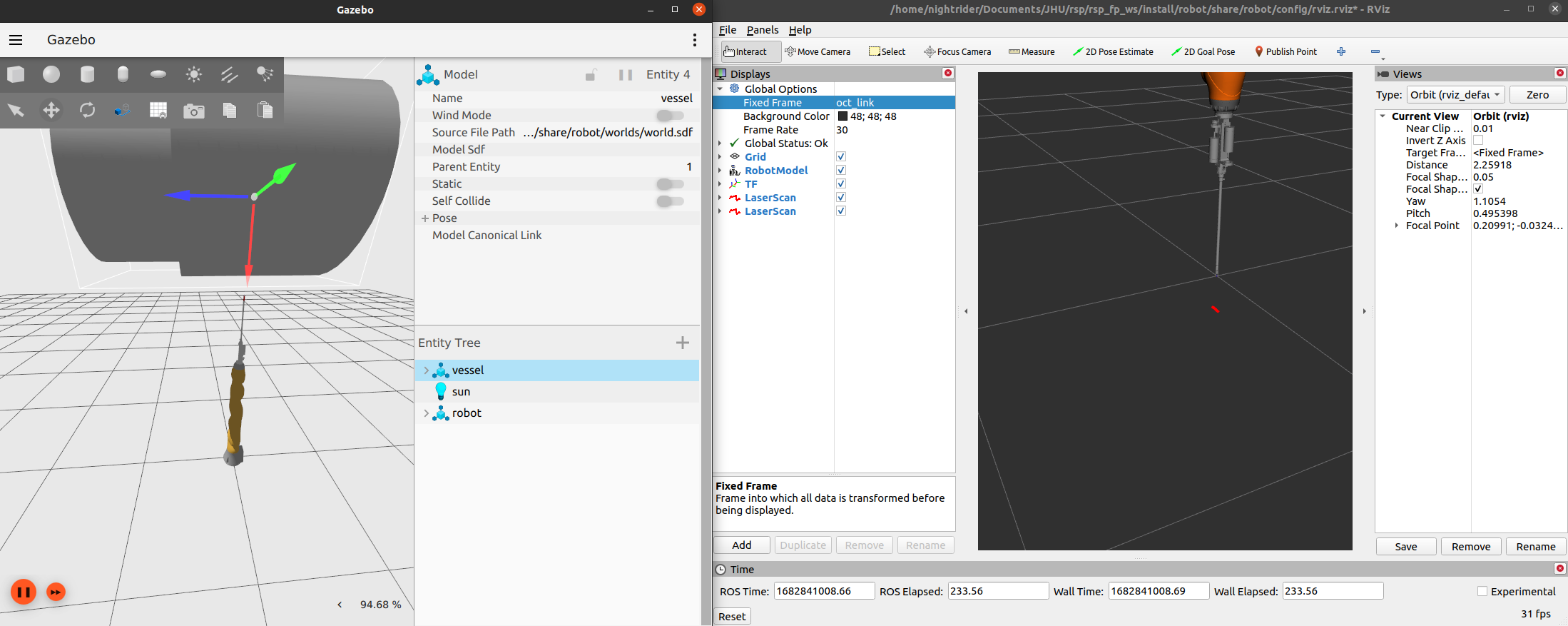
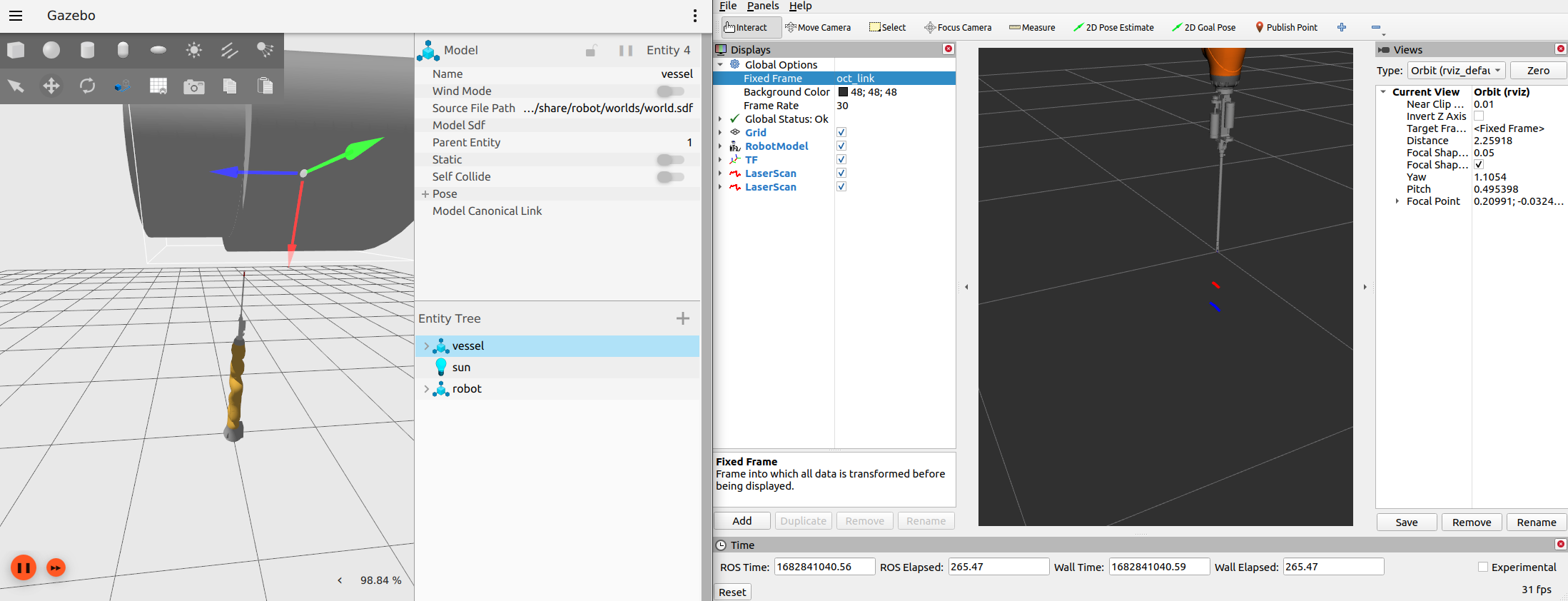
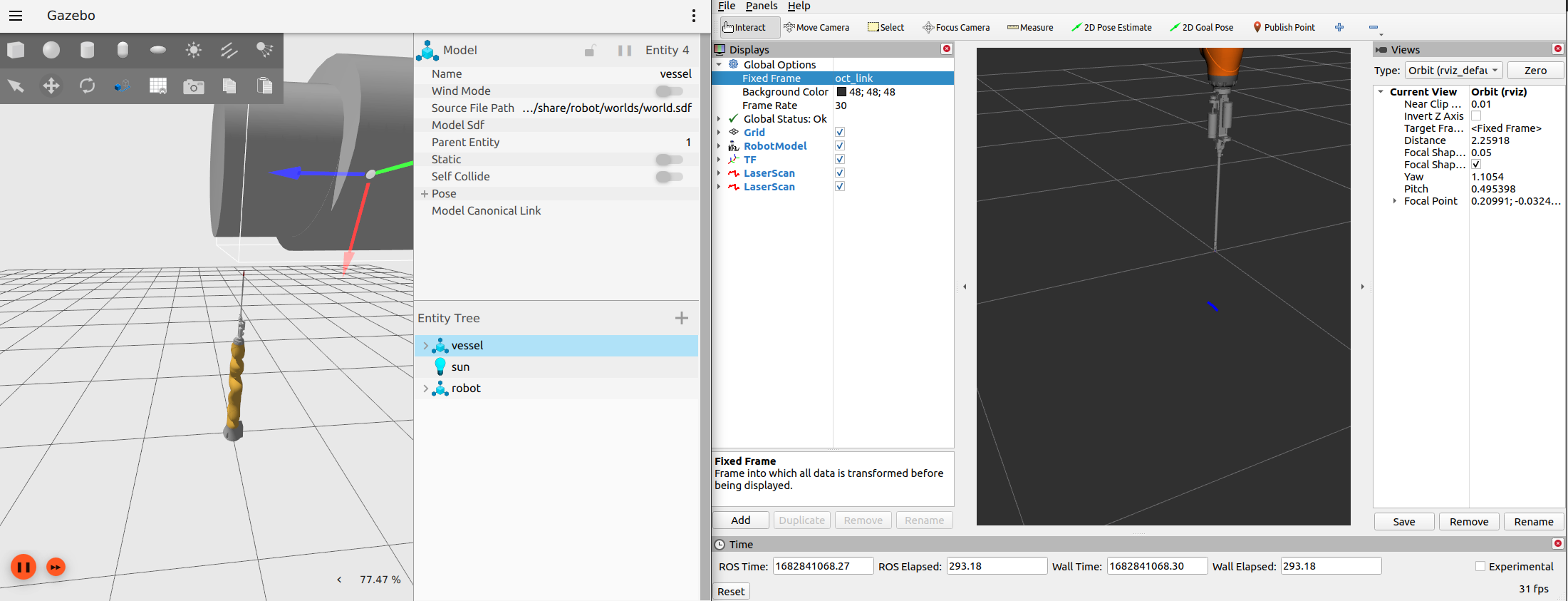
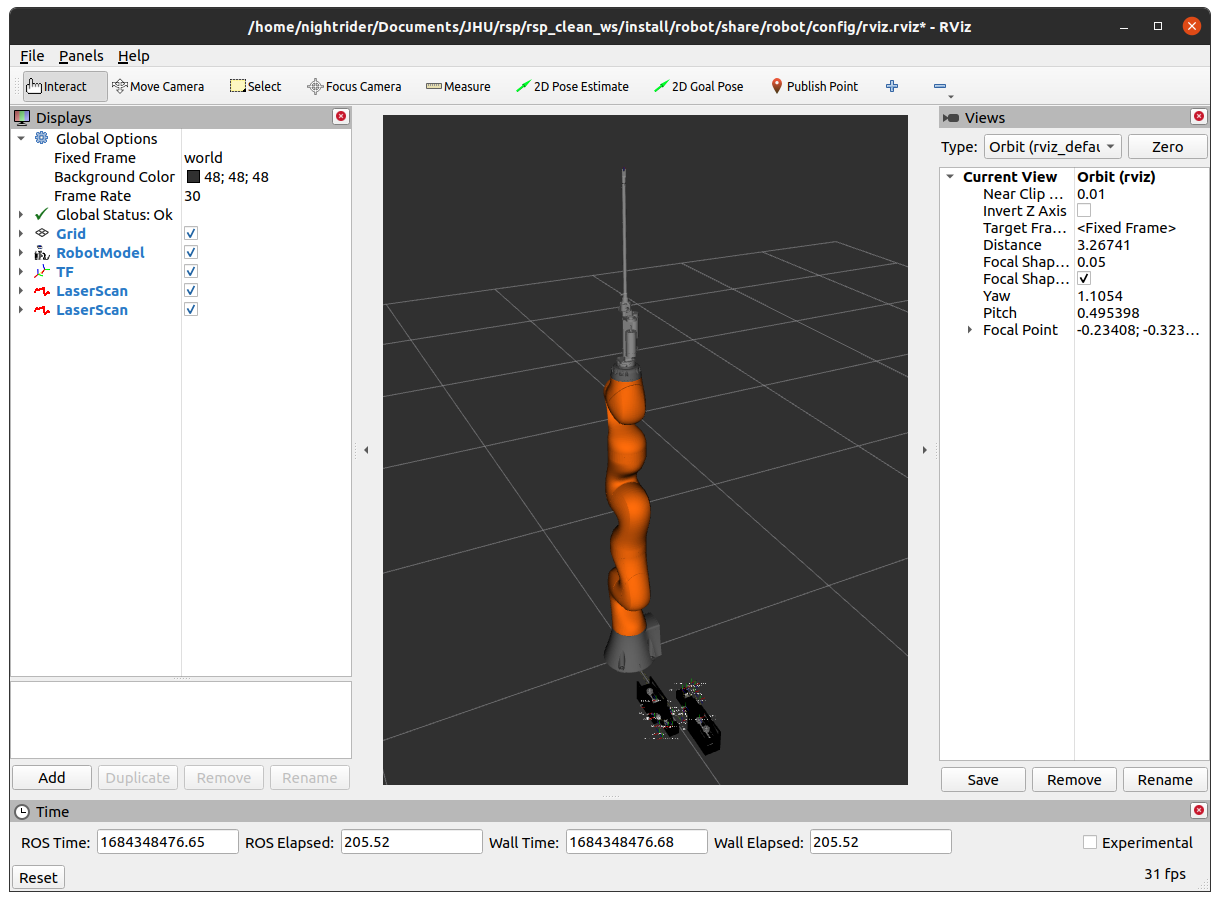
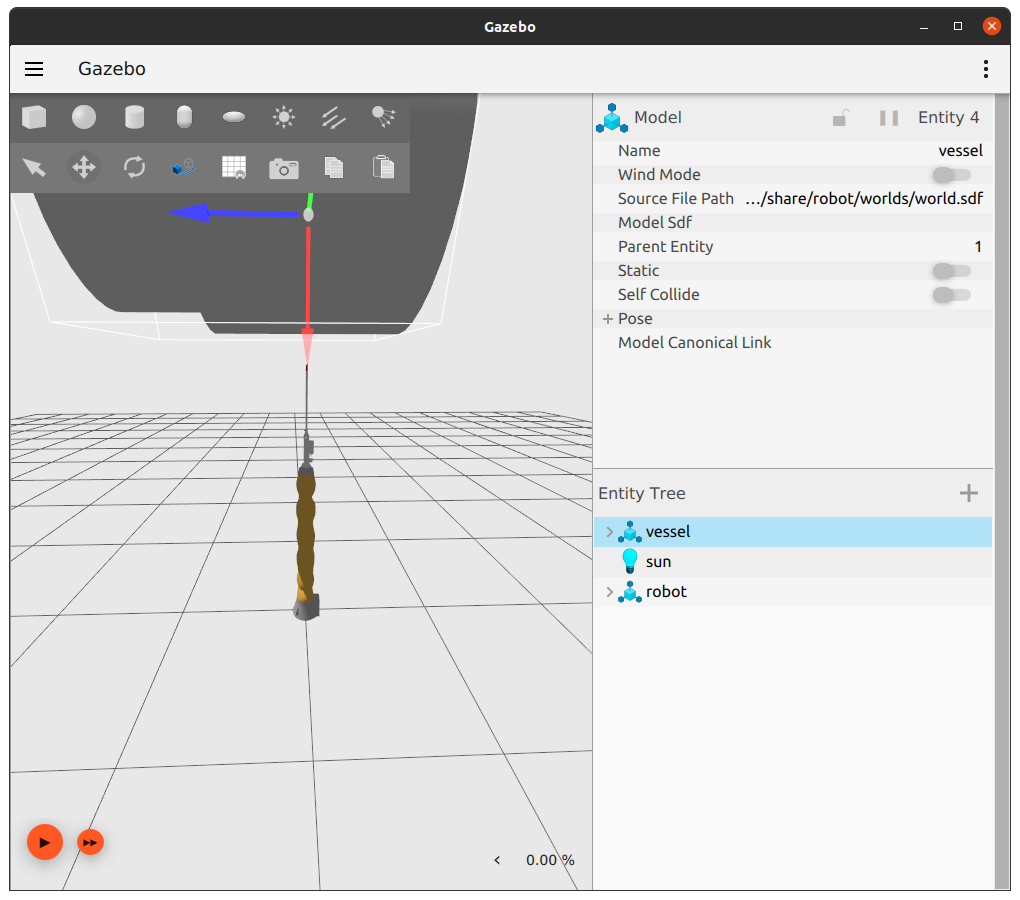
In gazebo, move model vessel over tool-tip. LaserScans will display in rviz in two different colors that represent each lidar sensor composing the OCT sensor, respectively. Each lidar sensor responds to a different part of the vessel i.e. one lidar responds to the smaller cylinder only while the other responds to only the larger cylinder.
See below output images.
gazebo |
rviz |
|---|---|
|
|
gazebo |
rviz |
|---|---|
|
|

Vessel Left |
Vessel Middle |
Vessel Right |
|---|---|---|
|
|
|